
It is possible to delete a measurement from the trend graph. To be able to delete a measurement you need to have the right permissions in Enligt. Only users with View & Edit permissions in both the Hierarchy and Analyze can delete a measurement. Please note that currently, only native Enlight data can be deleted.
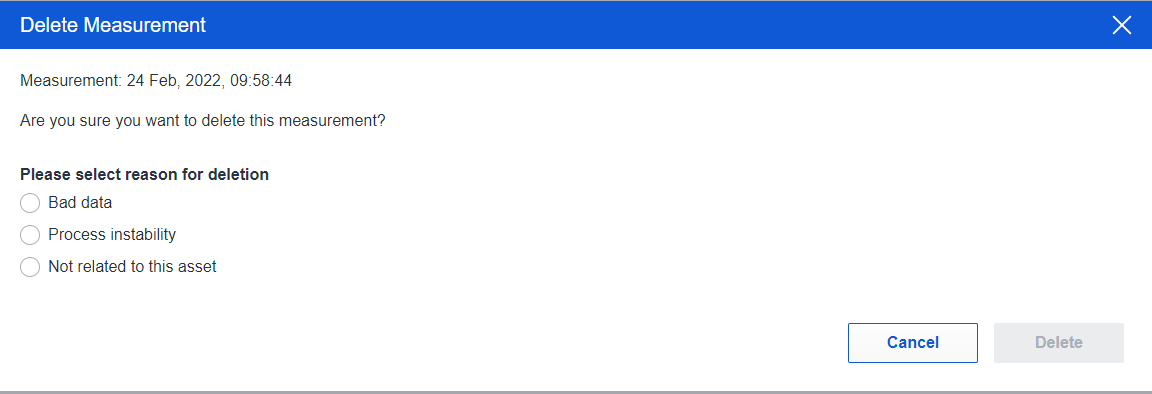
You can easily remove a measurement by pressing the bin visible among the tools in the trend graph. Once pressed, a modal opens where you can select the reason for deleting the measurement, before removing it.

If a measurement is imported from either Analyst or Observer, the button is greyed out and a tooltip shows why the measurement can't be removed.

Comments
0 comments
Please sign in to leave a comment.