
In order to narrow down your selection of functional location and assets in the list there are several filters to use. By default 5 filters are visible in the filter toolbar and the rest are hidden in the filter drawer.

- Select Filters button to show or hide the filter toolbar.
- Select All filters button to open the filter drawer and view and change all filters. The button will also indicate if there are any active filters beyond the default visible 5.
- Select Clear filters button to clear all filter selections and resets the list to display all assets.
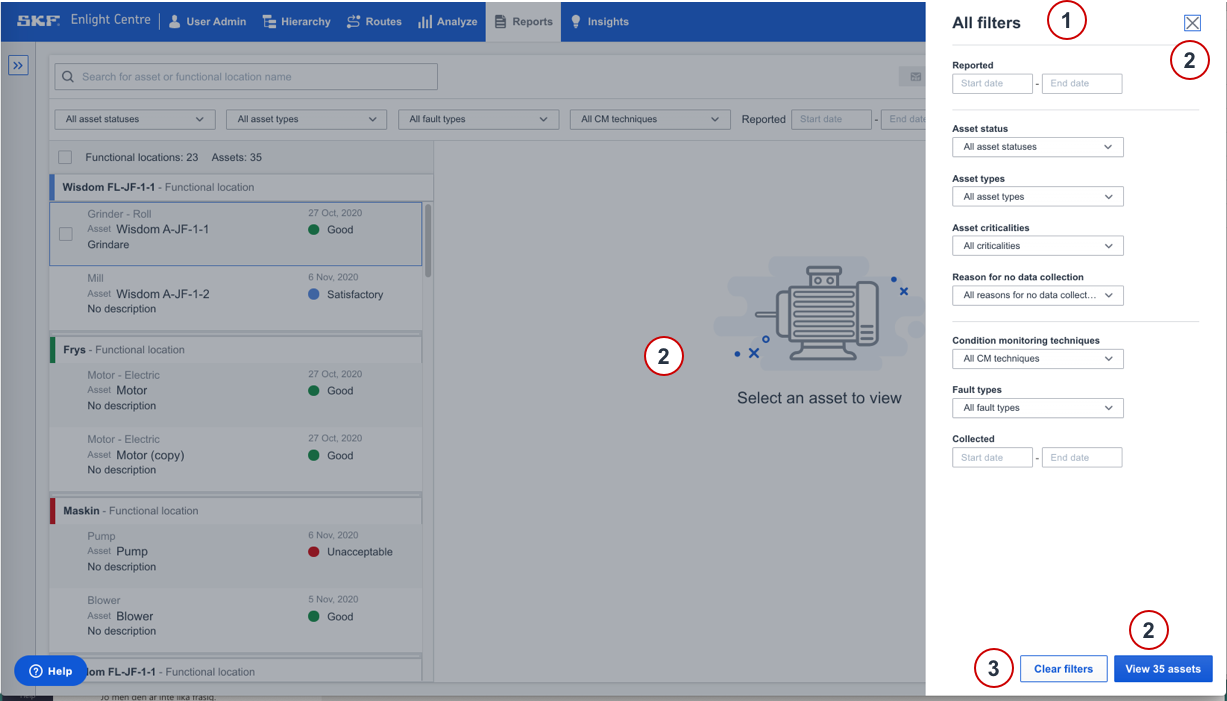
- This drawer is displayed when clicking the All filters button (see step 2 above). It contains all filters, including the 5 default visible filters. As you make your selection the asset list will update.
- Select View [no.] assets button, on the X button in the right corner, or outside the area, to close the drawer and view the filtered list.
- Select Clear filters button to clear all filter selections and resets the list to display all assets.
Filters in Report section
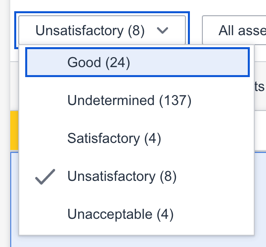
Asset statuses
This filter will limit the list to display assets that have one or more specified statuses.
Asset types
This filter will limit the list to display assets that are of specified types.

Fault types
This filter will limit the list to display assets that have active faults of one or more specified fault types.

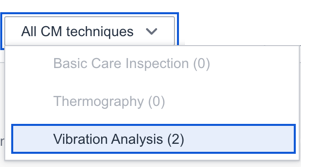
Condition Monitoring (CM) techniques
Each reported fault is based on a CM technique. This filter will limit the list to assets with faults with the selected techniques.
Reported (time interval)
Any update on an asset health report will update the "reported" timestamp. This filter will limit the list to assets with the "reported" timestamp between the selected dates.

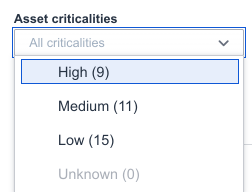
Asset criticality
This filter will limit the list to display assets criticality levels.
Fault collection date
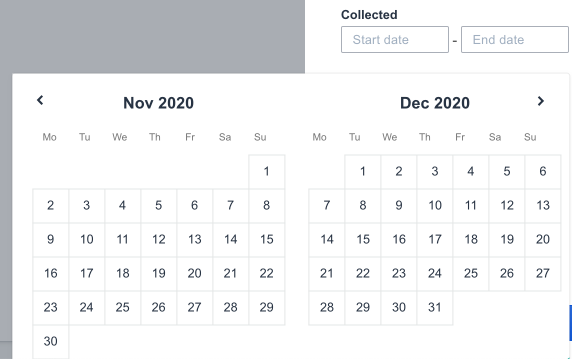
Reported faults are based on when data has been last collected on the asset. This filter will limit the list to display assets whose reports have fault collection dates between the selected dates.
Comments
0 comments
Please sign in to leave a comment.