
If you need to collect data without it being initiated from Enlight Centre with a route, this can be done from the hierarchy tab.
1. Choose and download a plant from the plant selector. After the download is done click on the functional location and then the asset you want to measure.
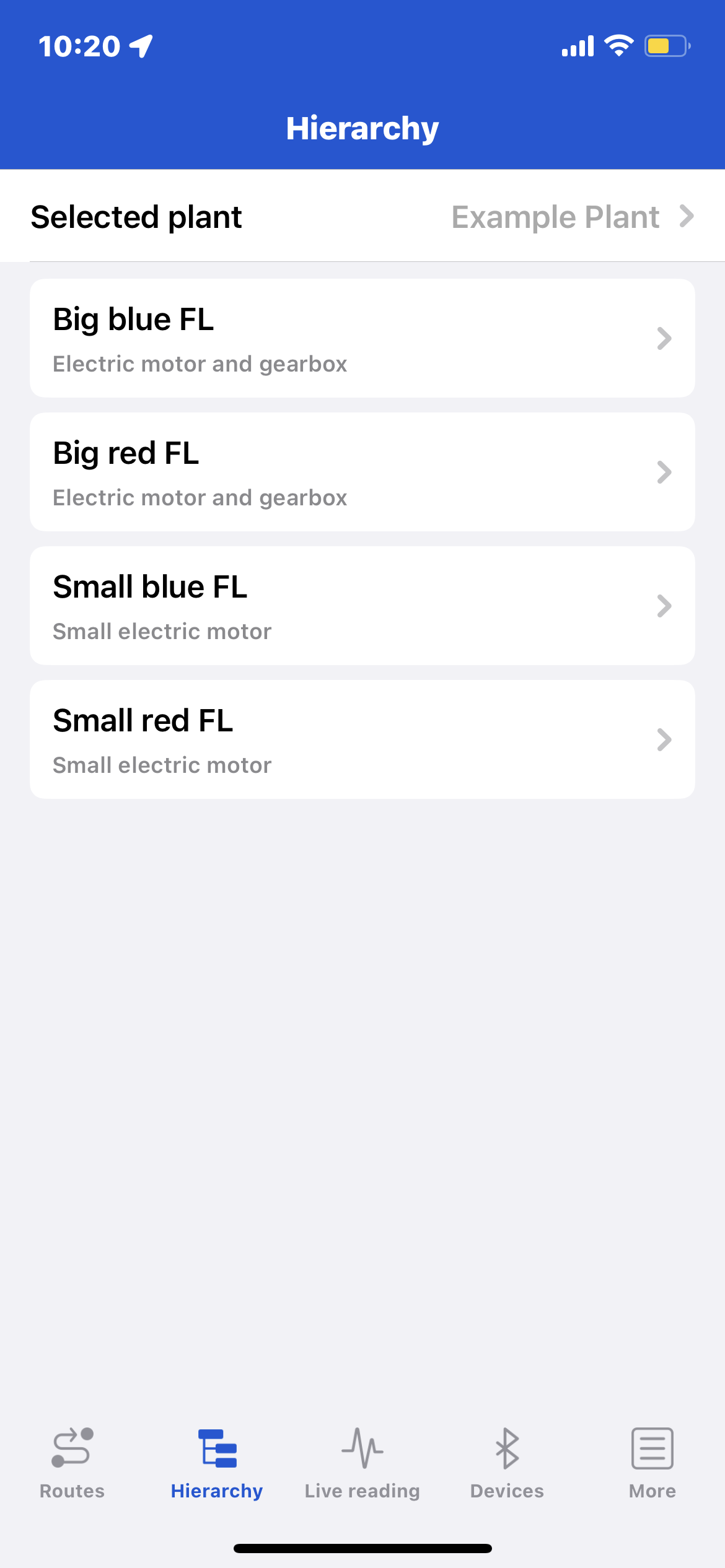
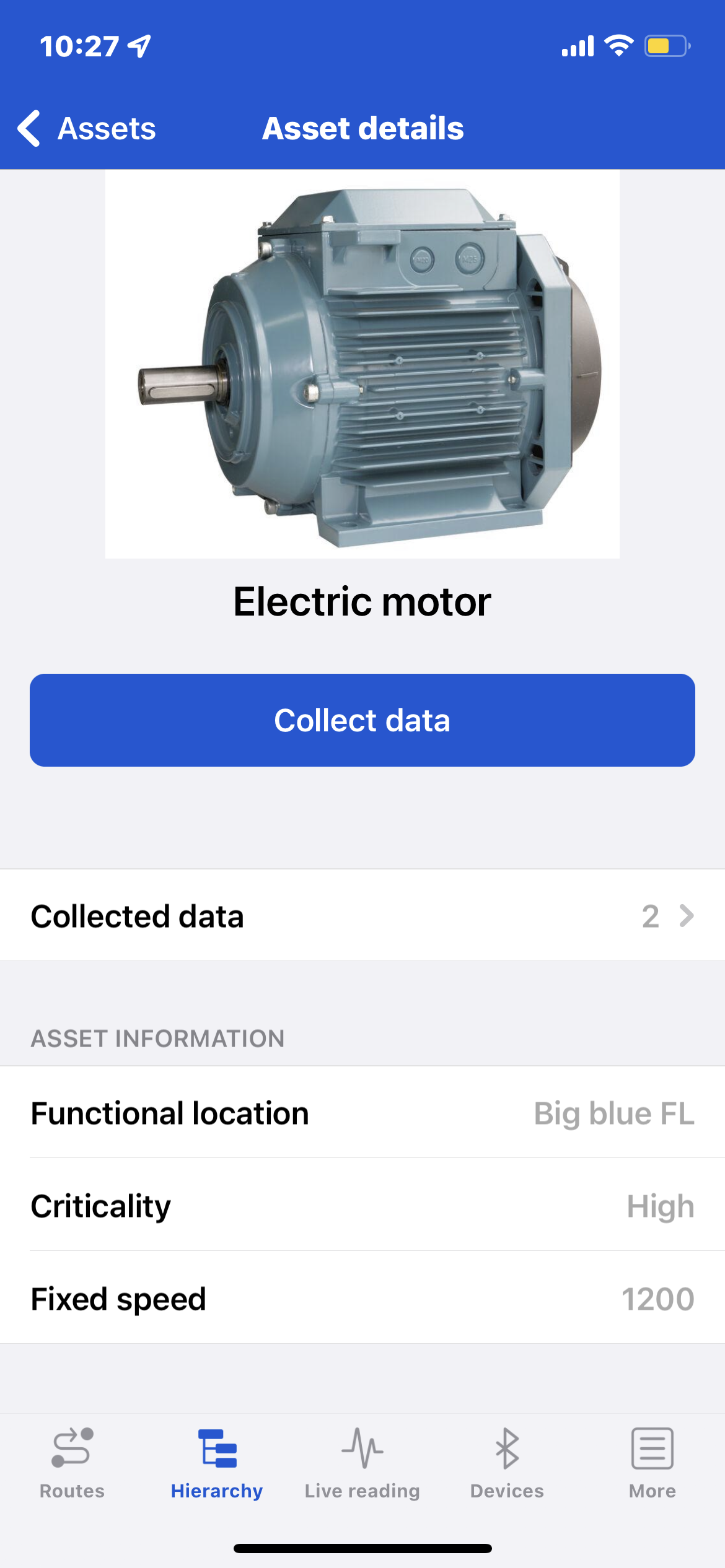
2. You can now view the asset detail page with an asset image (optional), previously collected data, asset name, criticality and speed.
Initiate data collection by clicking on the collect data button.
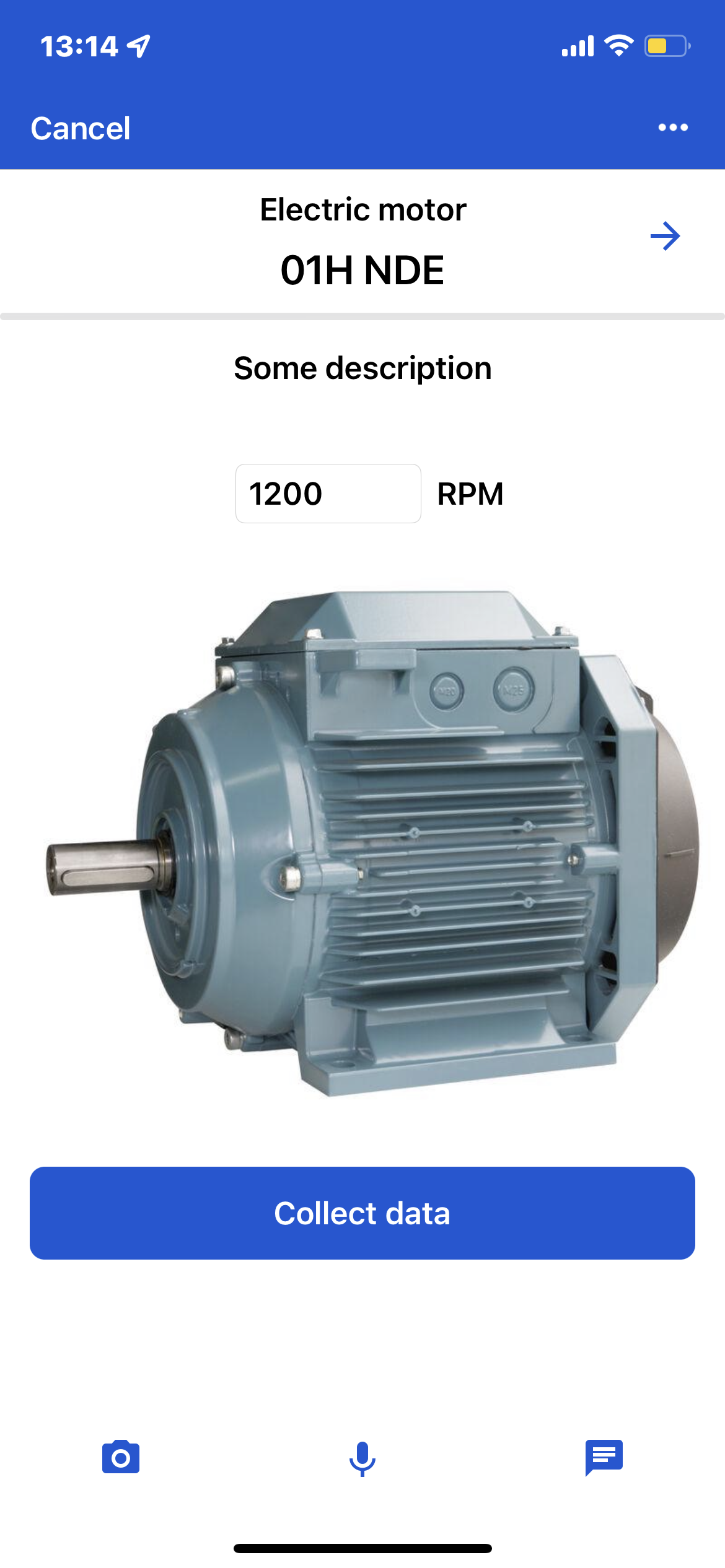
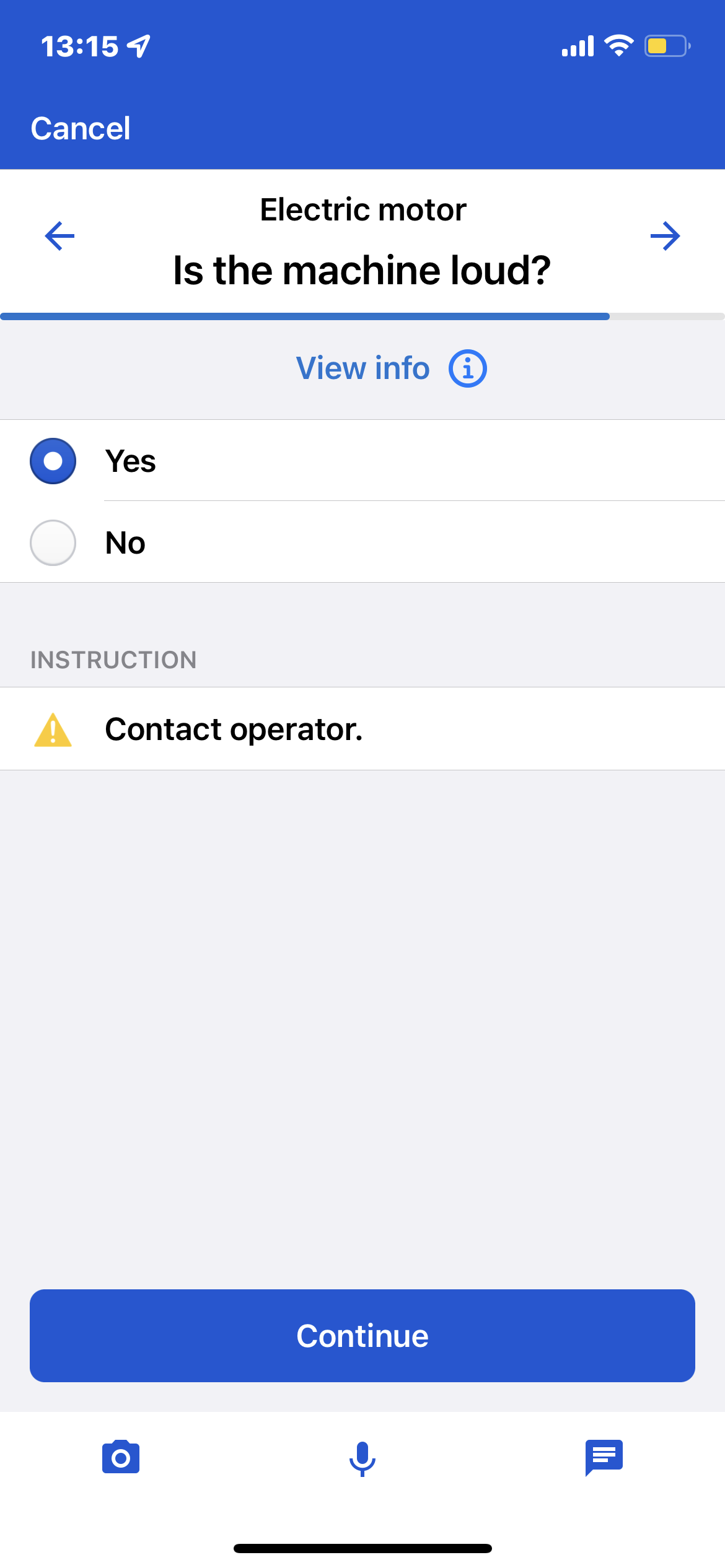
3. For each point click collect data for data collection, choose an answer for inspection points, add lubrication amount for lubrication points or skip the point by clicking the right arrow.
After data collection press the ‘Continue’ button to proceed to the next point.
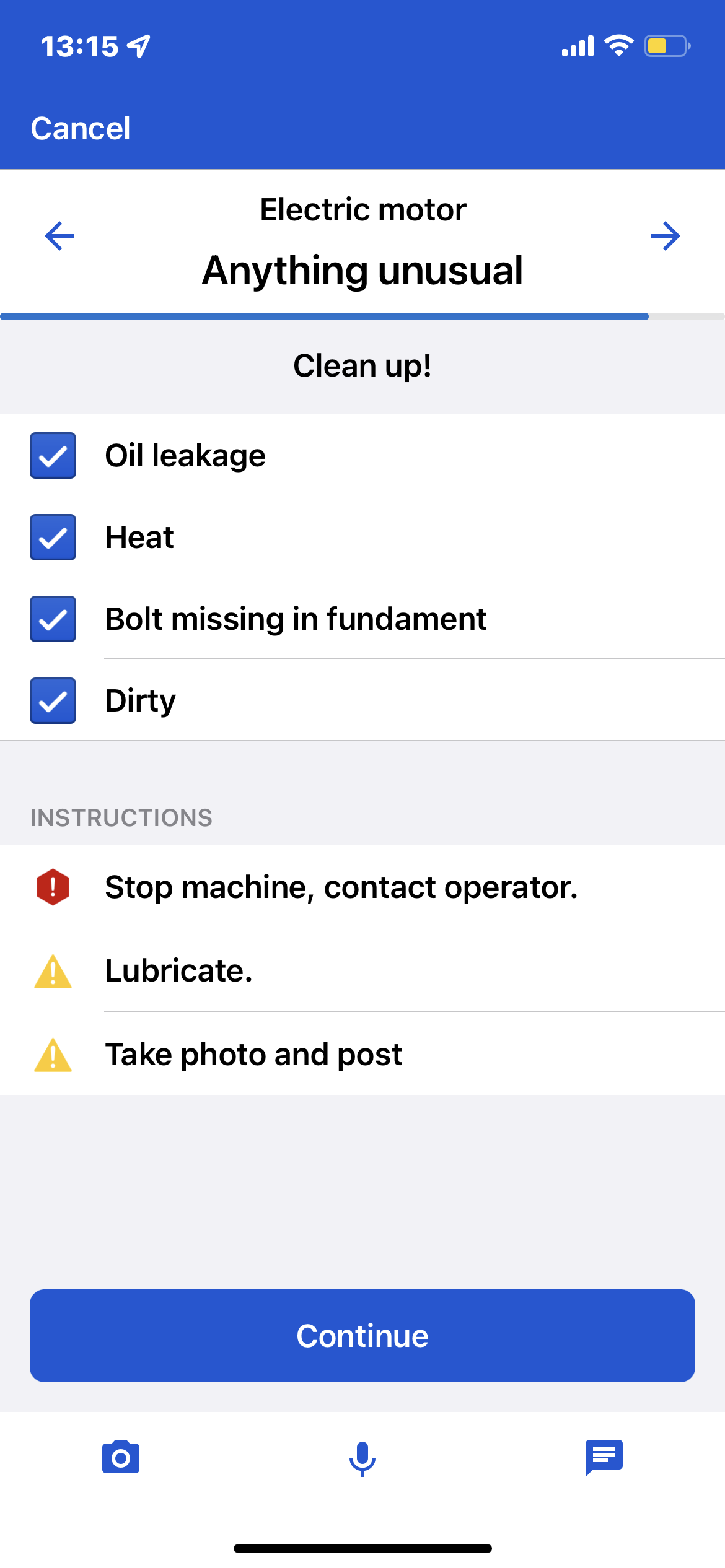
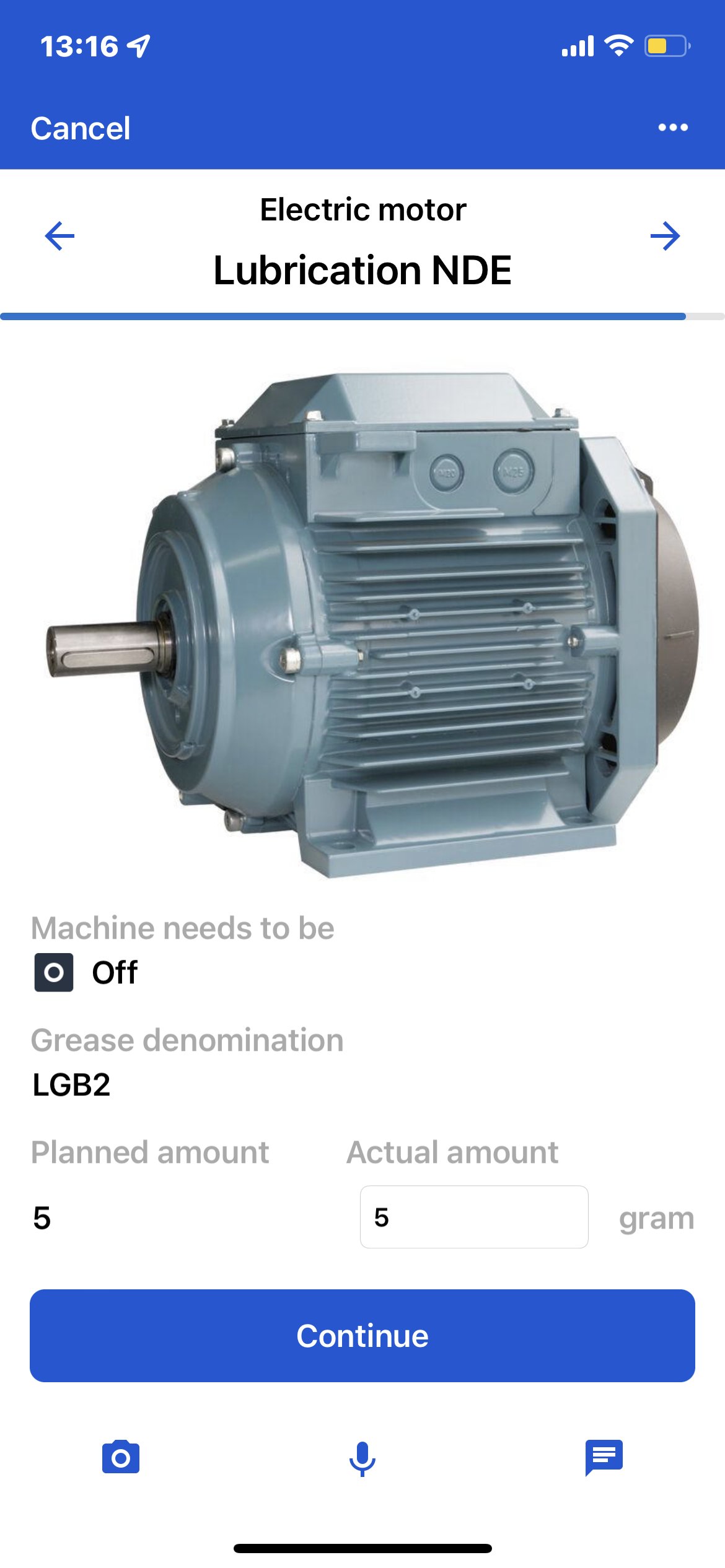
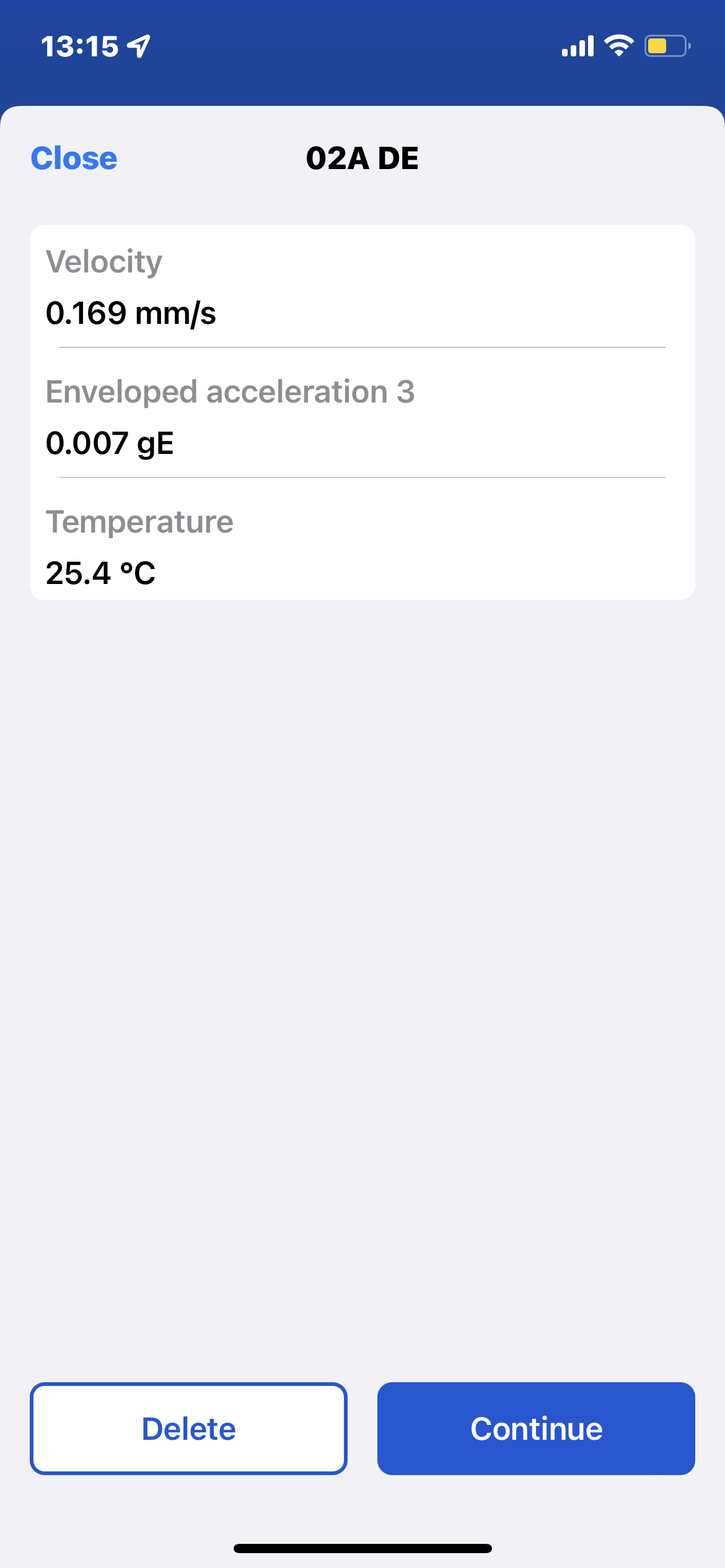
4. After the last point a summary page will show all points and any alarms triggered. Press the save button and all data will be uploaded to Enlight Centre automatically. If you are offline the data will be uploaded as soon as you connect to Enlight Centre.
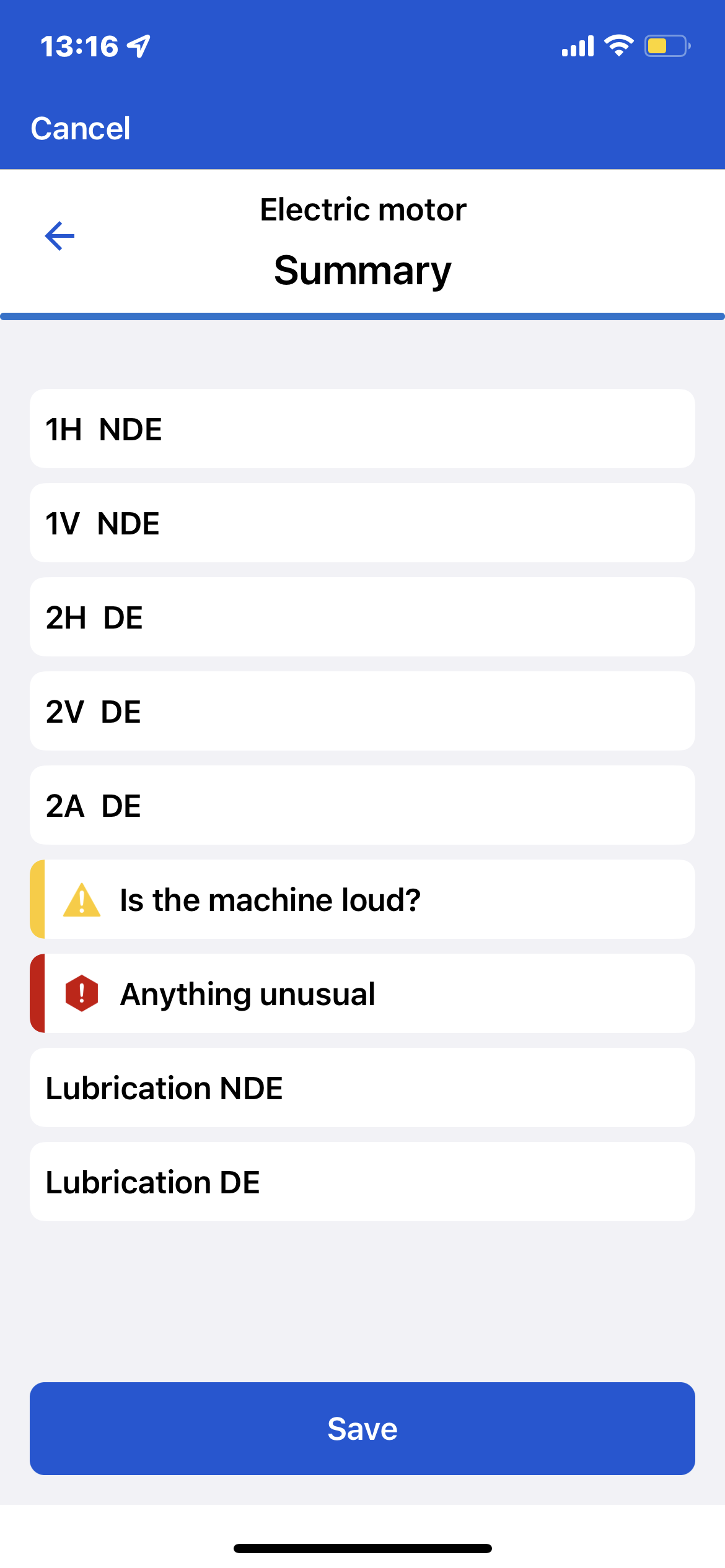
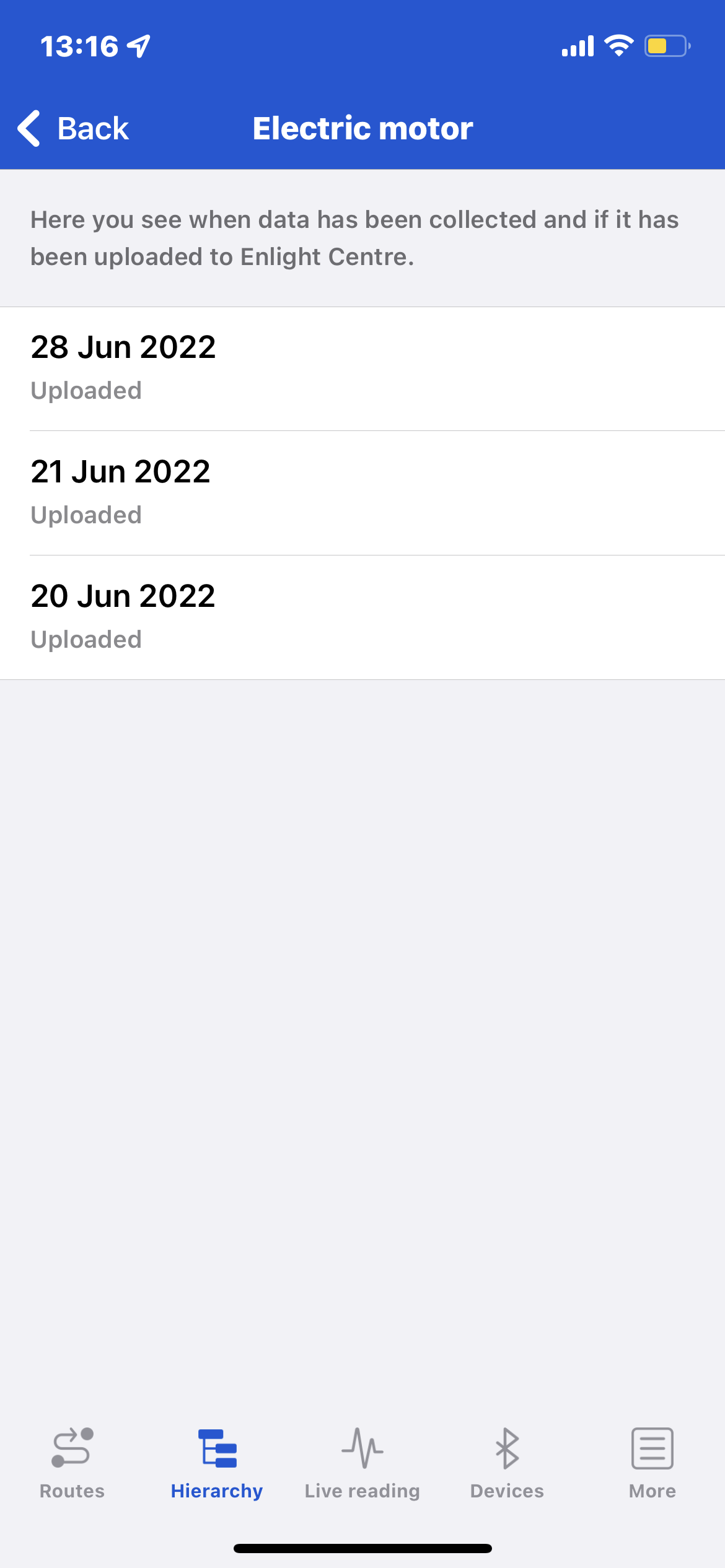
5. Uploaded data will be shown on the asset detail page under ‘Collected data’.
Comments
0 comments
Please sign in to leave a comment.