
External users are typically SKF Analysts or Distributors with access to a customer's hierarchy as part of a maintenance program. These users are displayed in the External users list.
- Select the User Admin panel in the main menu.
- The External Users list is displayed in the list of Users, which contain different user groups.
- External users are added or removed by contacting the Enlight Centre team, using the
 function or e-mailing support@enlight.skf.com.
Note: This workflow requires User Admin access.
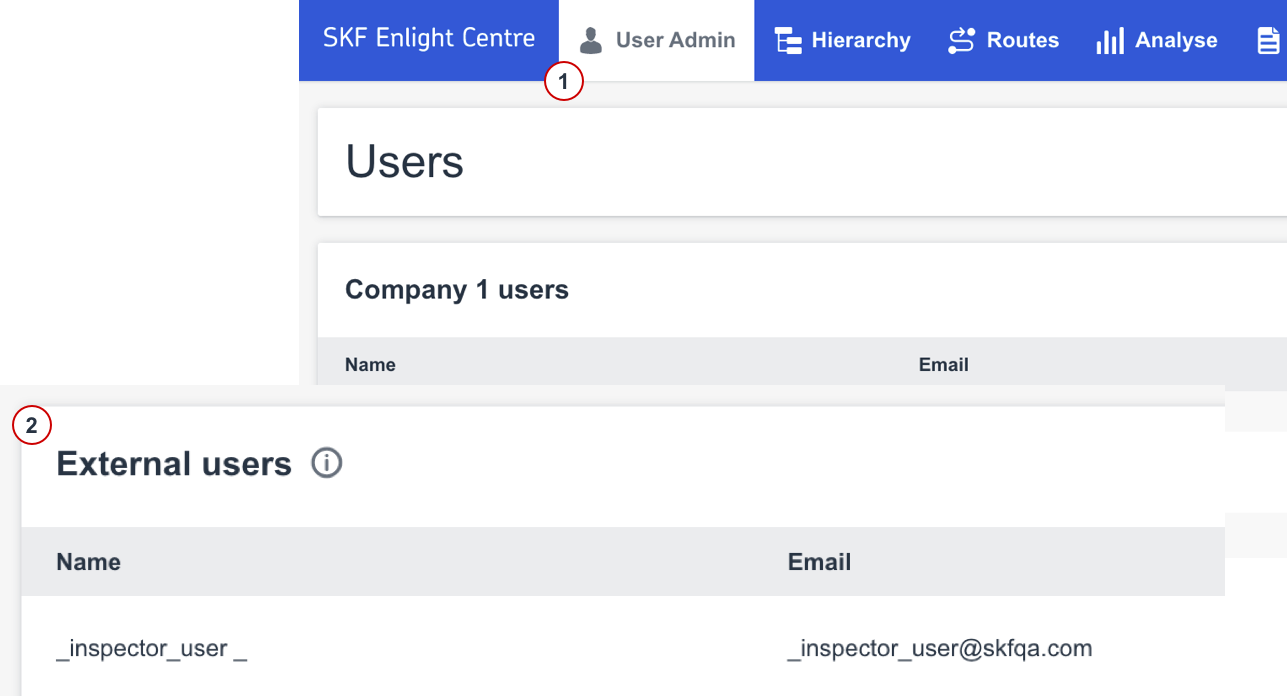
External users list
Comments
0 comments
Please sign in to leave a comment.