
Creating a support ticket in ProCollect:
- Go to More / Support.
- Press Submit request.
- Fill in subject and description.
- Optionally, attach a file.
- Press Submit.
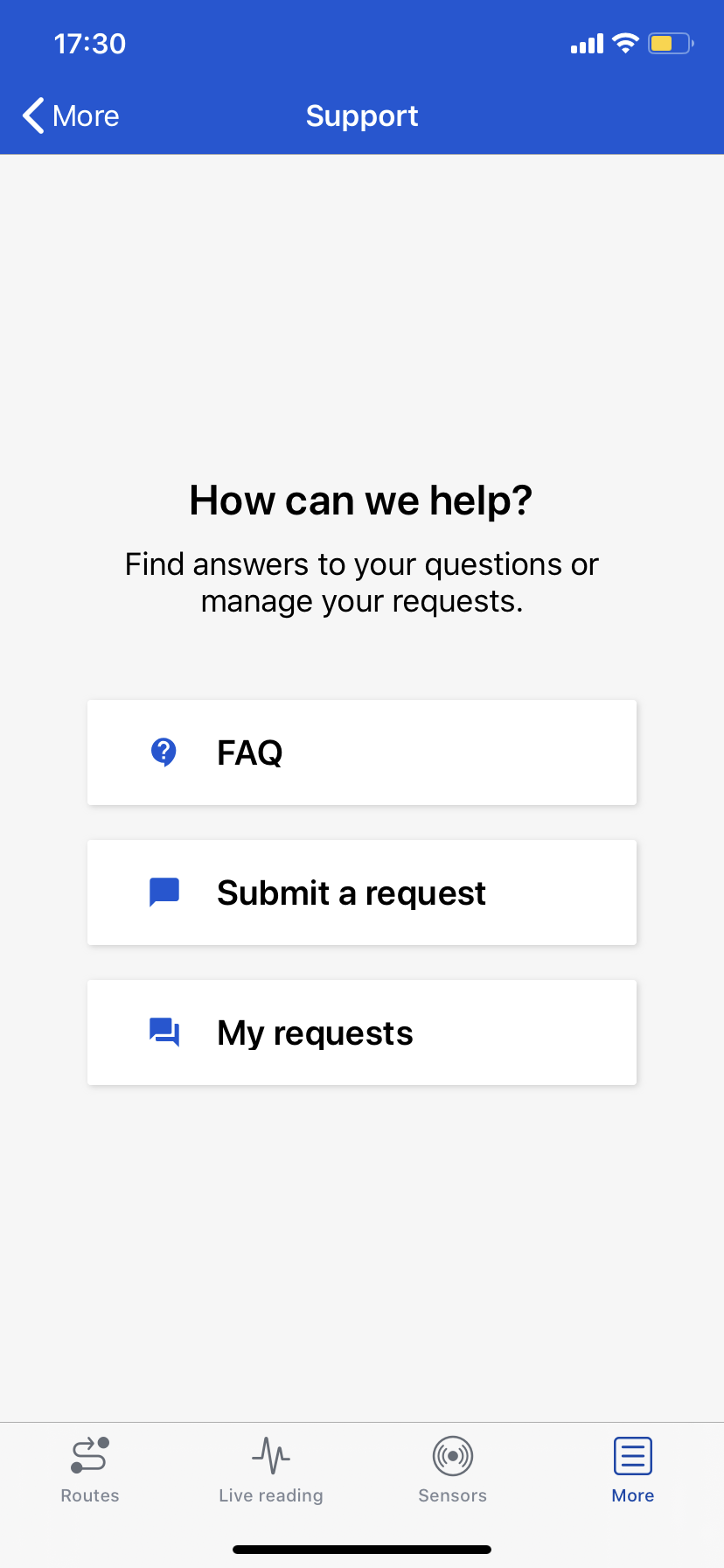
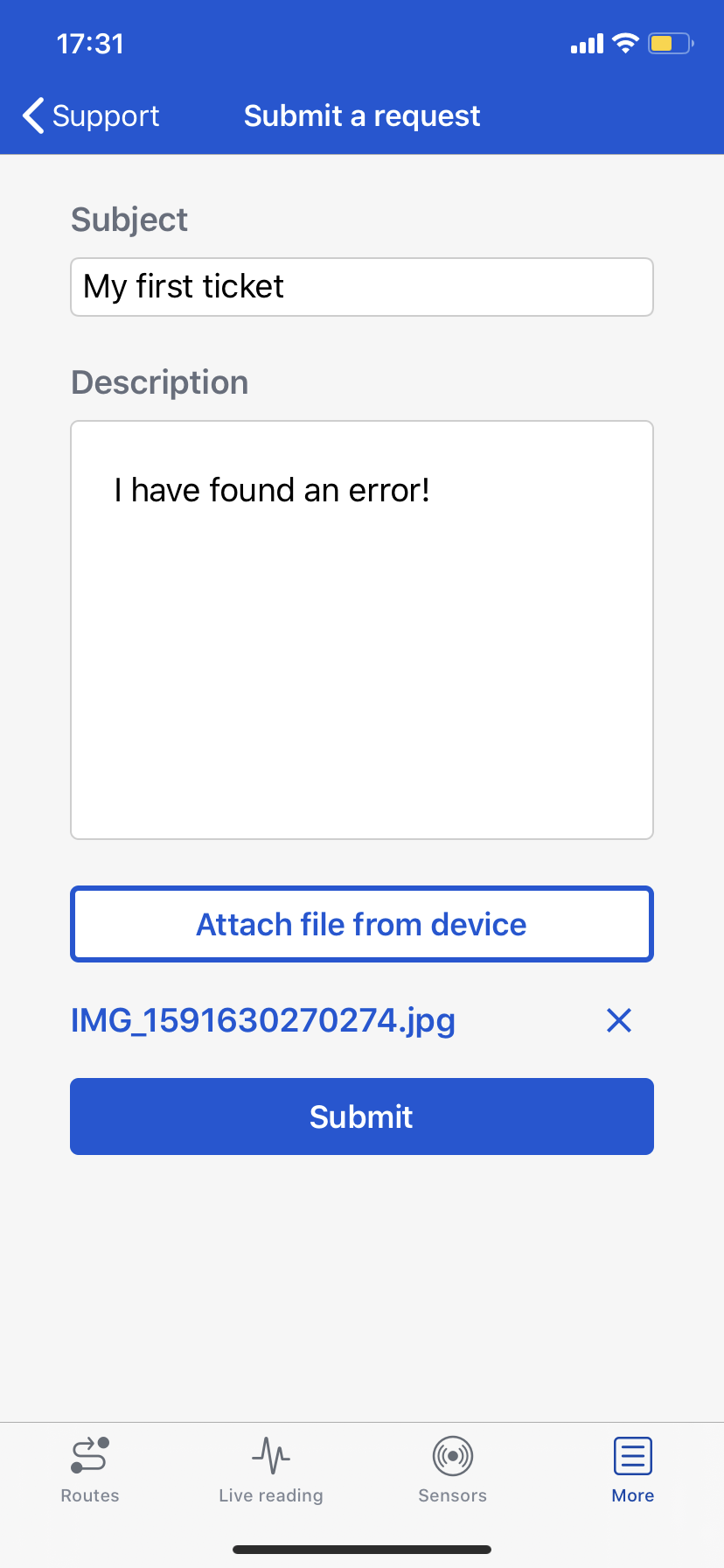
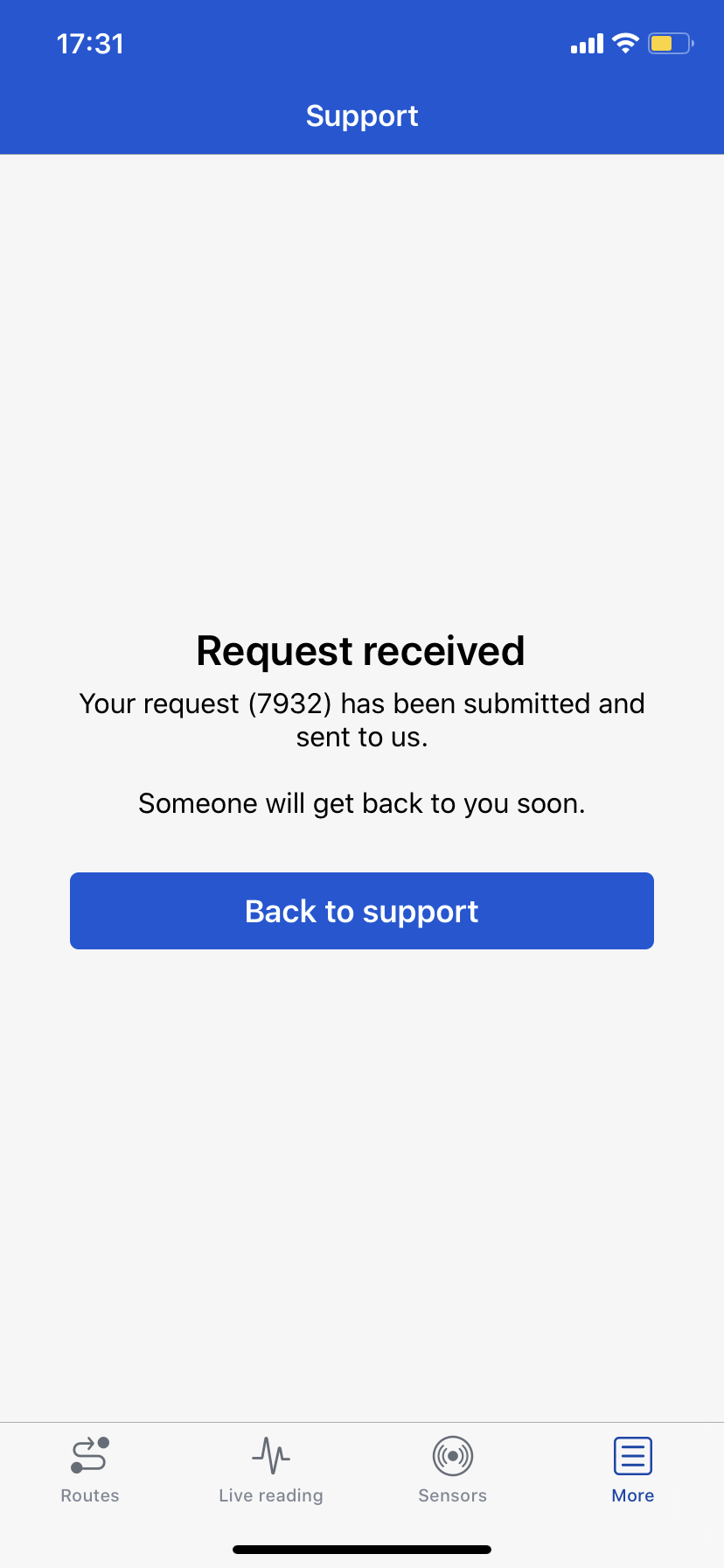
Create a support ticket in ProCollect
Viewing and updating a support ticket in ProCollect:
- Go to More / Support.
- Press My requests.
- Select a request to view in the list.
- Optionally, click Update request to add or change information in the support ticket.
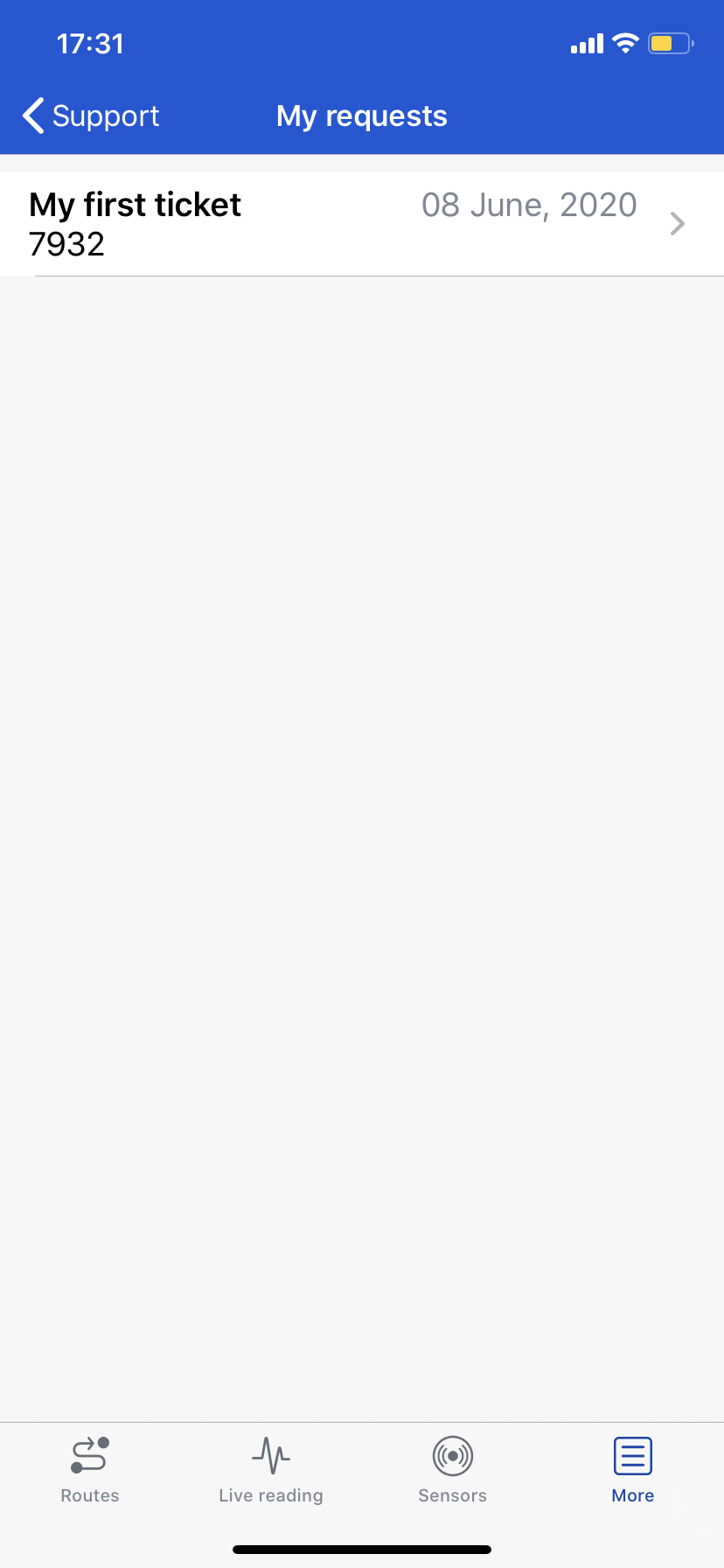
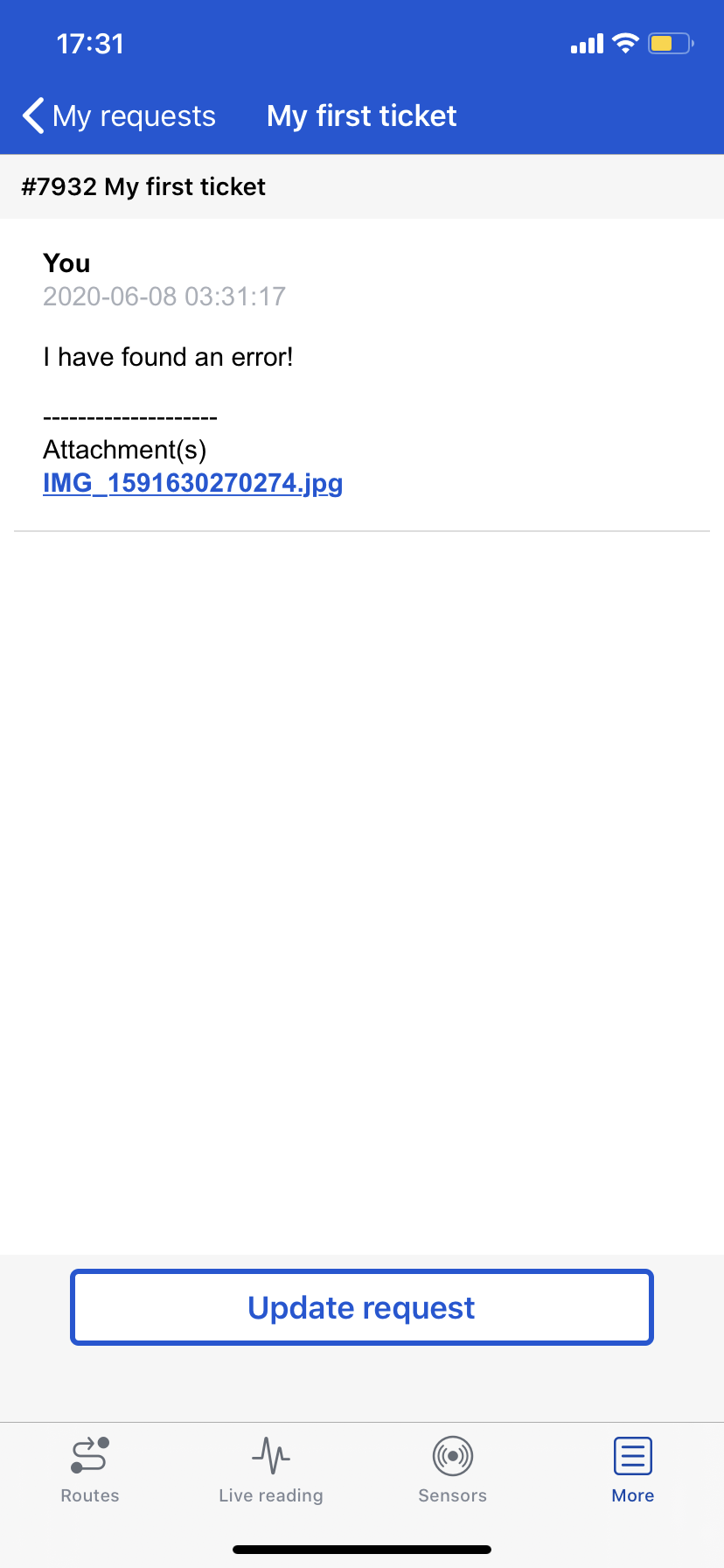
View and update support ticket in ProCollect
Comments
0 comments
Please sign in to leave a comment.